

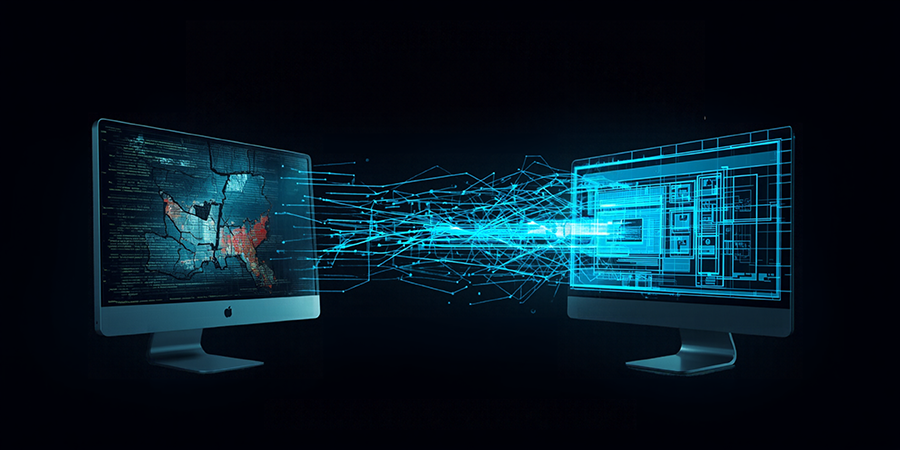
Custom software development can take anywhere from a few weeks to more than a year, depending on the project's scope,...



Your business software might still work, but is it helping your business move forward?
Perhaps your team spends hours transferring data between systems. Reports require manual calculations. Adding a new feature takes longer than expected, or your existing software cannot connect with the tools your business now uses.
These problems may seem manageable individually. Over time, however, they can create unnecessary work, increase errors, and make business growth more difficult.
The solution isn’t always to replace your software. It’s to identify what is no longer working and determine the most practical way to fix it.
This is where legacy software modernization comes in. It involves improving an existing system, connecting it with newer tools, upgrading its underlying technology, or rebuilding parts that no longer meet your needs. At Imagio Creations, we help businesses in Nepal explore software solutions based on their requirements, workflows, and long-term goals.
Not every older system needs an upgrade. However, these problems suggest it’s time to review your current setup.
If several of these situations sound familiar, the next step is to assess the system rather than continue adding temporary fixes.
The right solution depends on what is causing the problem. Replacing a working system unnecessarily can be expensive, while repeatedly repairing a fundamentally unsuitable application can become equally costly.
For example, a distributor might have a working inventory system but no connection to its online sales platform. An integration could solve the immediate problem without replacing the inventory software.
A different business might rely on an application that cannot support multiple branches, user permissions, or changing workflows. That may require more substantial development.
In our experience, the age of the software matters far less than whether it still fits how the business actually works today. The important question is what your business needs the system to do, not simply how old the software is.
A successful modernization project starts with understanding the existing system and the people who depend on it.
This process gives the business a clearer path from its current system to the improved one, with fewer assumptions and better control over changes.
Every business has different systems, constraints, and priorities. That’s why software modernization should begin with the problem that needs solving rather than a predetermined technology or complete rebuild.
Imagio Creations develops custom software and digital solutions for businesses in Nepal and beyond. Depending on your requirements, we can help you explore:
The scope of support depends on your system and project requirements. The objective is to identify a practical solution, define what needs to be delivered, and establish clear expectations before development begins – so you know what’s included, what’s outside the agreed scope, how progress will be reviewed, and how changes will be handled. Testing, deployment responsibilities, and post-launch support should also be discussed as part of the project plan.
This accountability matters because successful modernization is not simply about delivering new code. The updated system needs to work for the people and processes that depend on it.
If your existing software is creating more work than it solves, start by documenting three things:
These details will help the development team understand your situation and recommend the best approach. You may need a targeted upgrade, a new integration, or a more substantial rebuild and a proper assessment helps distinguish between these options before you commit to a project.
What is legacy software modernization? Legacy software modernization is the process of improving an existing system rather than replacing it outright. Upgrading its technology, connecting it with newer tools, or rebuilding the parts that no longer meet your needs, so it keeps serving your business as it grows.
Should I upgrade, integrate, or rebuild my software? It depends on what’s causing the problem. A system that works but doesn’t connect to your other tools may only need integration. One that can’t support your current size or workflows may need more substantial development. The right choice comes from assessing the actual problem, not the software’s age.
How do I know if my business software is outdated? Common signs include relying on manual workarounds, software that won’t connect to your other systems, small changes becoming difficult, declining performance, and having outgrown what the system was built for. If several of these sound familiar, it’s worth assessing.
Will modernizing my software disrupt my business? A well-planned modernization is done in stages, with data backed up and workflows tested before you rely on the updated system, so, disruption to daily operations is kept to a minimum.
Is it cheaper to upgrade than to rebuild? Often, yes, but not always. Repeatedly repairing a system that fundamentally no longer fits can cost more over time than a rebuild. A proper assessment is what tells you which path is more practical for your situation.
You don’t have to keep working around a system that no longer meets your needs. You also don’t have to replace everything without understanding what is actually wrong.
At Imagio Creations, we help businesses find the right next step to a targeted upgrade, a new integration, or a more substantial rebuild – starting with the problem that needs solving, not a predetermined rebuild.
Tell us about your existing software, the challenges you’re facing, and what you want to improve. Get in touch — or message us on WhatsApp, and we’ll help you work out the right approach, scope, and next steps for your project.
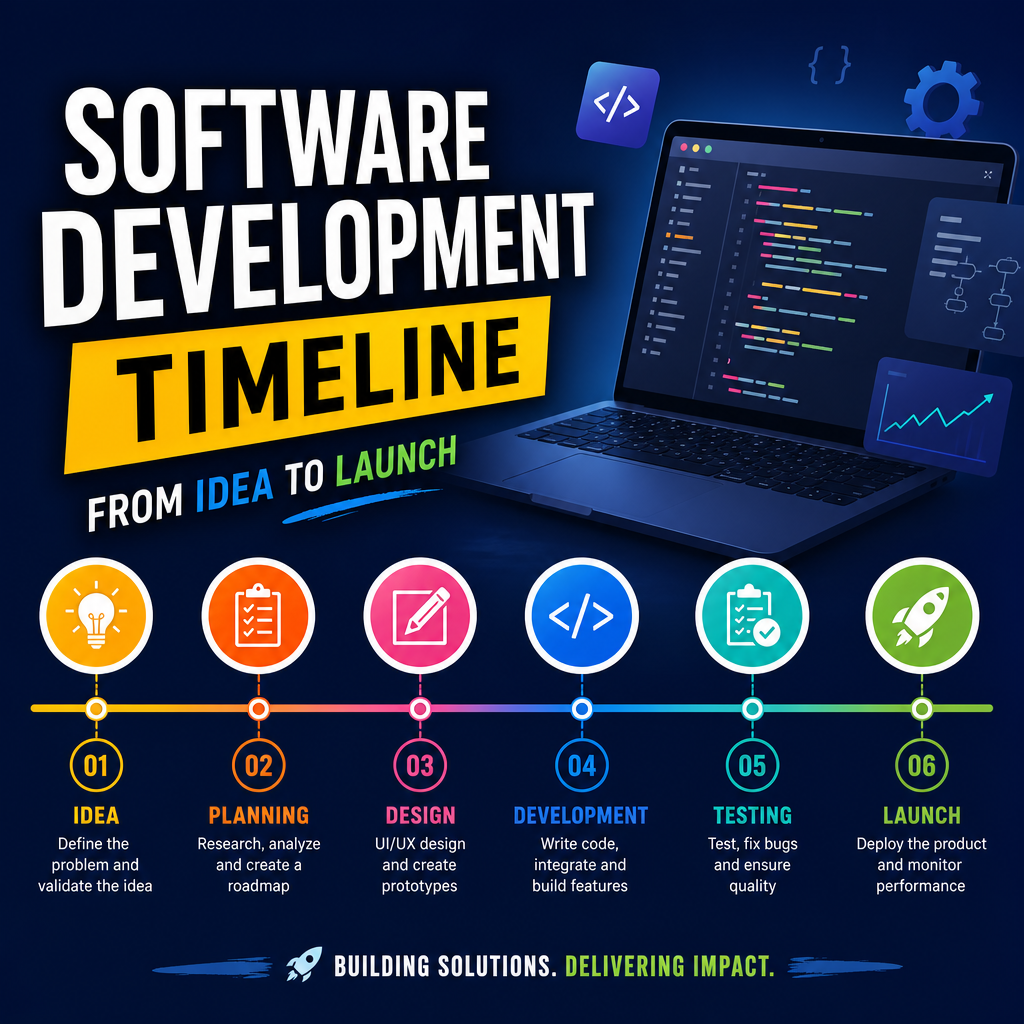
Custom software development can take anywhere from a few weeks to more than a year, depending on the project's scope,...
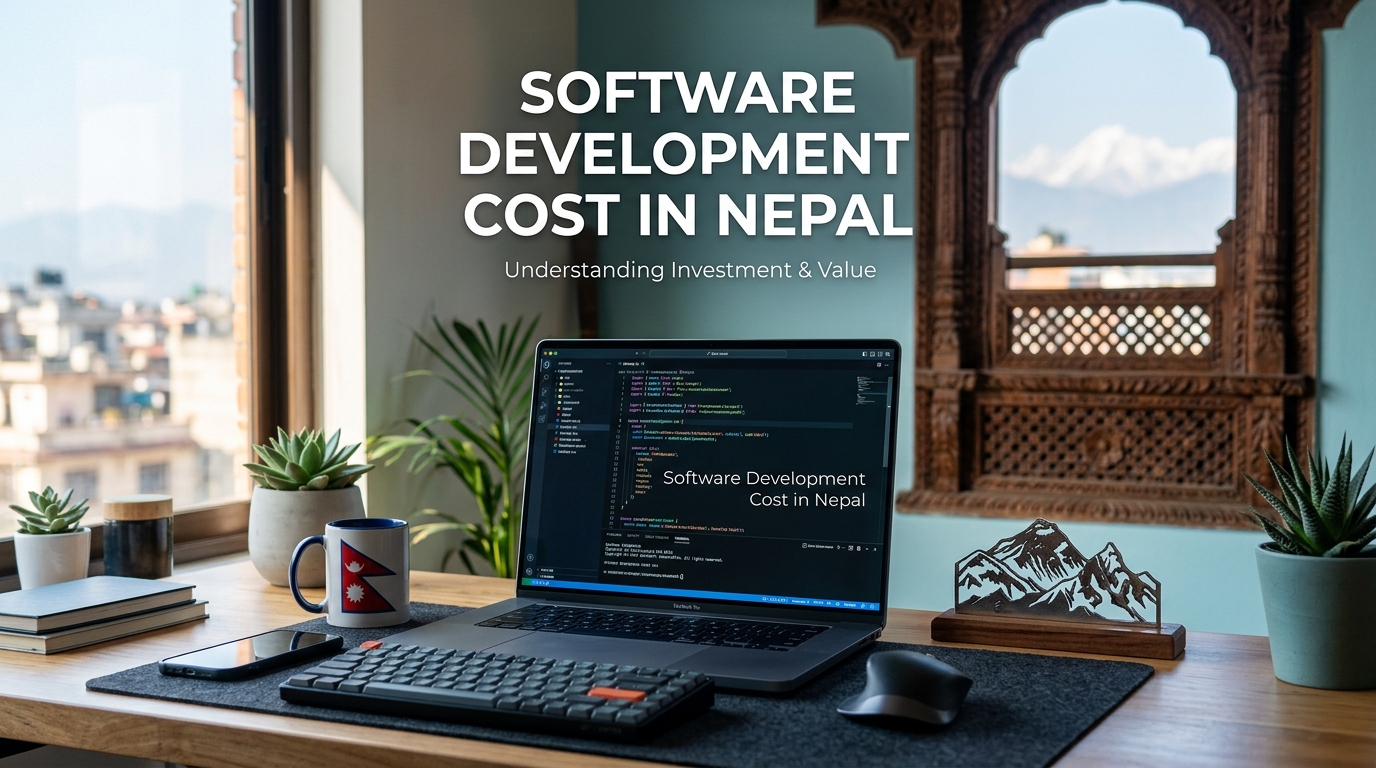
If you're planning to build custom software in Nepal, one question comes before all the others: what will it cost?...
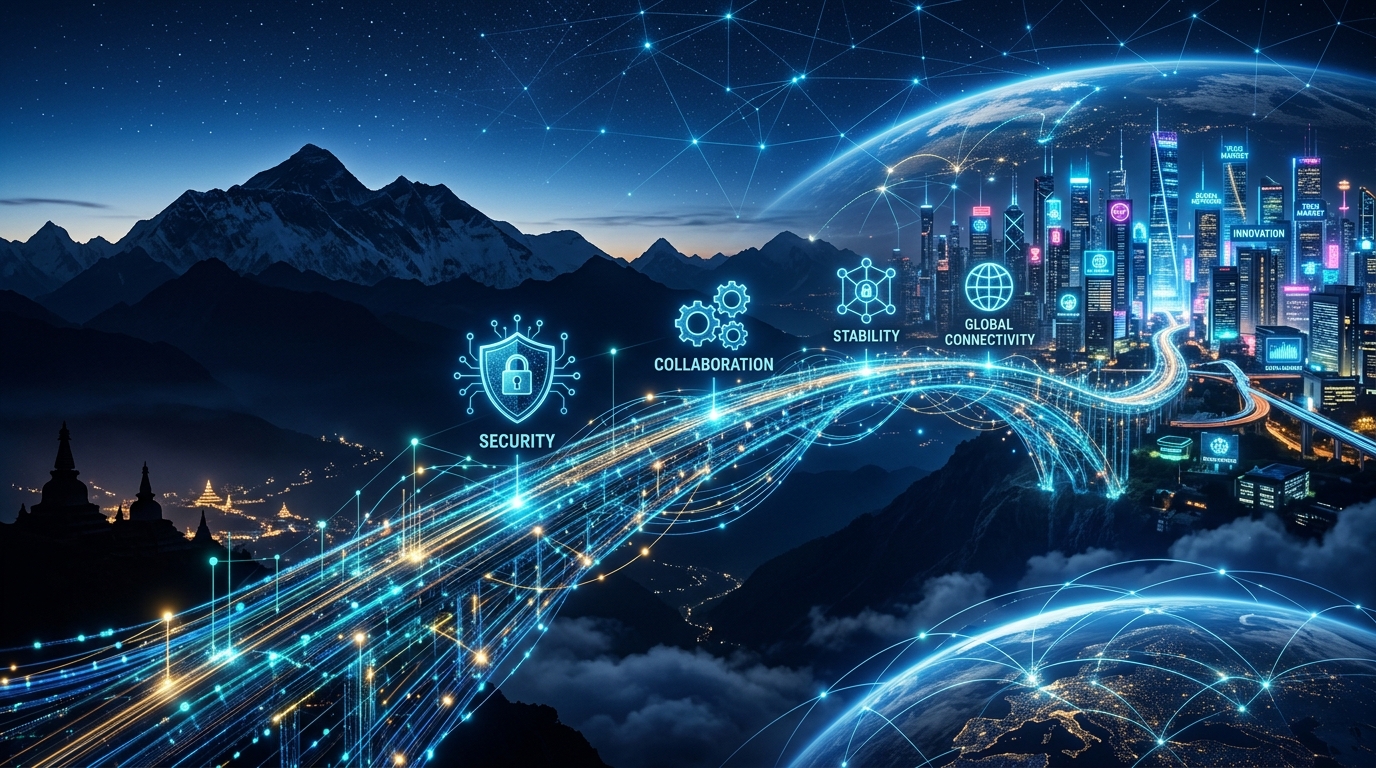
Yes, outsourcing software development to Nepal is safe: provided you choose the right partner. Nepal has a large pool of...
